Skip to content

Free delivery across Pakistan. Cash on delivery.

Trace your jar

Scan, trace and trust

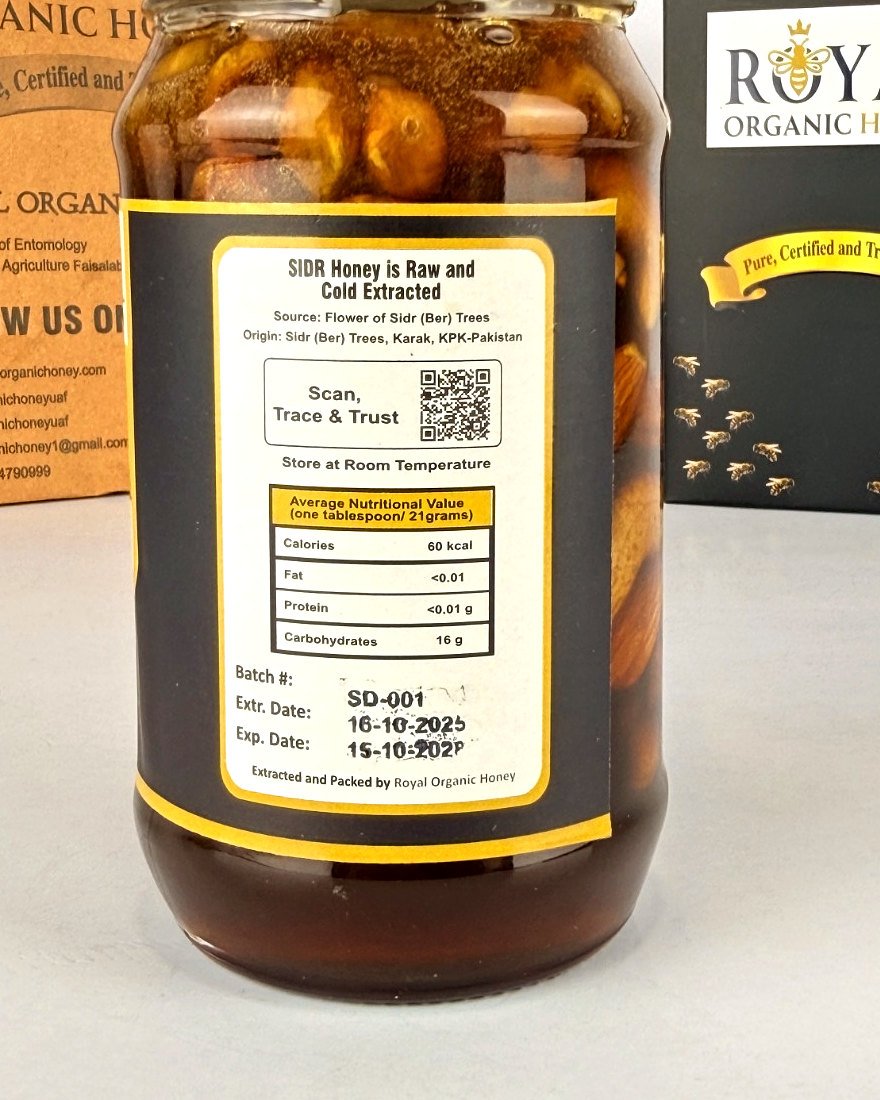
Every jar has a QR code on its back label. Scan it with your phone camera to open the record of the batch inside: who kept the bees and where, the flower source, the extraction date and the lab results.

Back label with batch number SD-001, extraction date and QR code

Three steps, no app needed

1

Find the QR code

It is on the back label of the jar, next to the batch code and the extraction date.

2

Scan it with your phone

Open your phone camera and point it at the code. No app is needed.

3

See your batch record

Beekeeper, location, flower source, extraction date and the lab report for the honey in your jar.

No scanner? Enter your batch code

Choose your honey and type the batch code printed on the back label, for example SD-001.

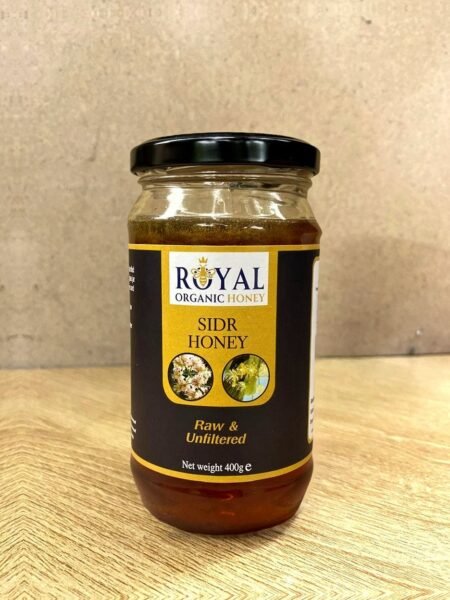
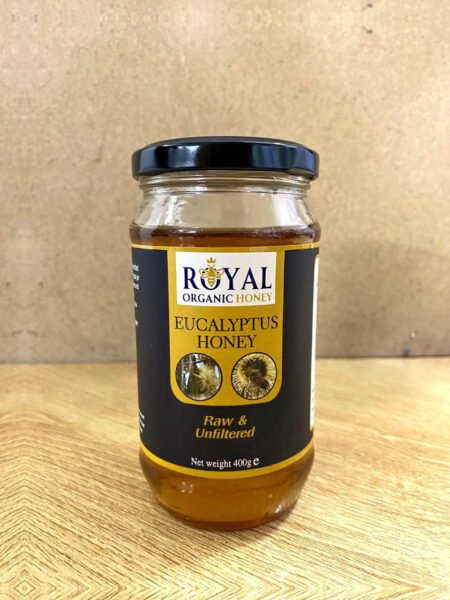
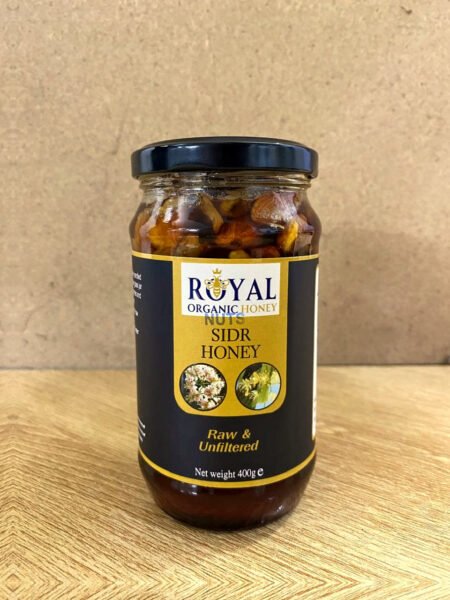
Batch records by honey

Open the current record of each honey.